


One calendar for your whole organizationVirto Calendar App for Microsoft 365
Outlook, SharePoint, Planner, room and Google calendars in one color-coded view, in SharePoint, Microsoft Teams and your browser. Your calendar data stays in your own Microsoft 365 tenant.
Key features:

All department calendars on one screen
Outlook, SharePoint lists, Planner, room mailboxes and Google or iCloud feeds in one color-coded view, without switching between sites.

The whole year on one page
Year, Year Quarter and Flat Year views show twelve months of deadlines, holidays and releases at a glance.

Time off approved in the calendar
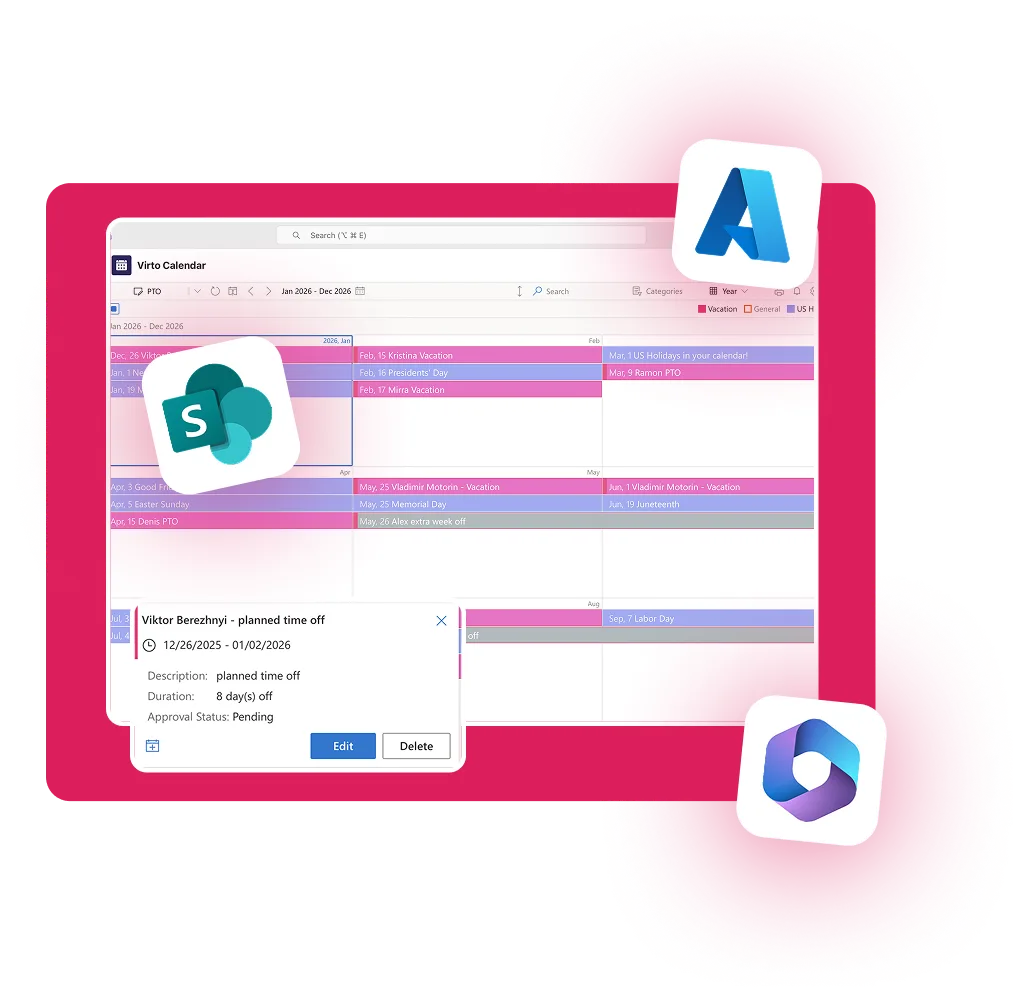
Approve or reject vacation requests from a SharePoint list right in the calendar, color-coded by status.
Works with the calendars you already have
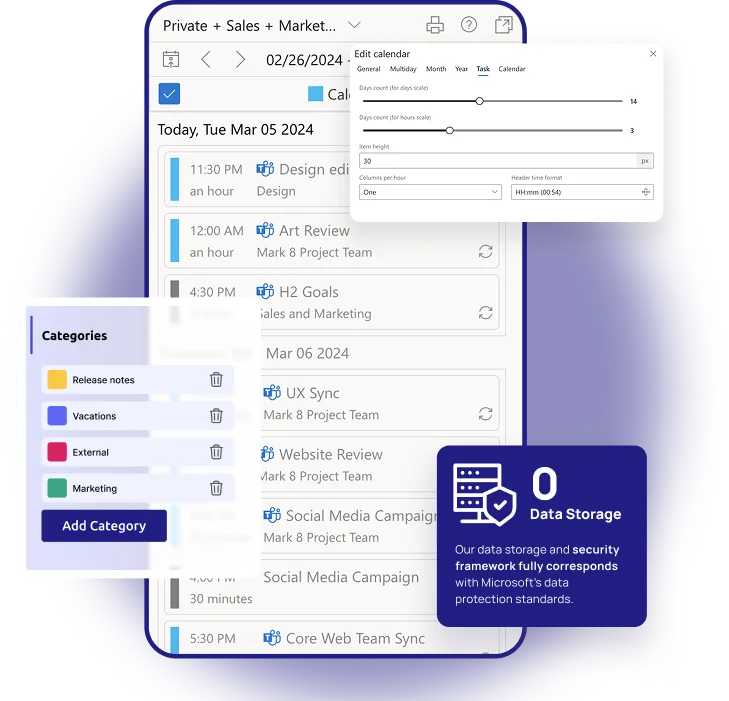
Each source keeps its own color in one view. Events stay where they are, and a change made in the calendar goes back to Outlook or SharePoint, not to a copy.
 Outlook and group calendars
 Room and resource calendars
 SharePoint calendars
 Microsoft Lists
 Planner tasks
 Google Calendar (iCal)
 iCloud and other iCal feeds
Use it where your people work
- A SharePoint pageA web part or a full page on your intranet, with a compact mini calendar for the home page.
 A Microsoft Teams tabThe same calendar in a channel tab, where the team already talks.
 Your browserOpen the calendar as a web app in any modern browser.
One license covers the same person in all three.
Trusted by Industry Leaders


and over 8,000 businesses worldwide
What is Virto Calendar App?
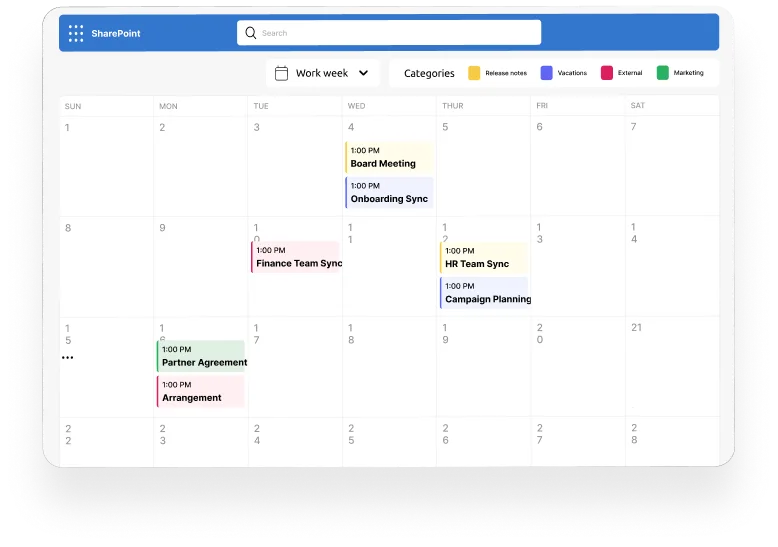
Virto Calendar App is one calendar for the whole organization. It brings personal, team, department and project calendars from Microsoft 365, SharePoint Online and the web into one color-coded view, so everyone sees the same schedule without switching between sites. Under the hood it is a calendar overlay: events stay in their sources, and the app shows them together.
Calendars you can build with it
Employee vacation tracker
Approved leave next to the public holidays of every country your team works in.
IT change & release calendar
The change, release and maintenance lists of every business unit in one view, so colliding windows show up early.
Marketing calendar
The Planner campaign plan and the campaign group calendar on one timeline.
Executive annual calendar
Strategic milestones, launches, board and QBR dates — the whole operating year on one screen.
Cross-departmental coordination
Sales, Product, Marketing and regional group calendars in one view, with collisions visible early.
On-call schedule
The on-call rota from a SharePoint list next to approved and pending leave.
Microsoft 365 out of the box vs Virto Calendar App
 Outlook and SharePoint
 Virto Calendar App
Upgrade your scheduling from visibility gaps to total calendar harmony.
Choose the perfect plan to match your business needs.
See plans and pricingTechnical & Enterprise Readiness
Full compatibility with Microsoft 365, SharePoint Online, and Exchange Online environments.
Flexible deployment — standard SaaS on Microsoft Azure (US) that processes your data without storing it, or Enterprise-tier custom deployment into your own infrastructure or Microsoft 365 tenant.
Secure architecture aligned with Microsoft 365 governance, identity management, and permission frameworks.
Enterprise scalability supporting large organizations, multi-departmental rollouts, and hybrid workforce scenarios.
Performance-optimized for real-time synchronization without exceeding Microsoft Graph or API rate limits.
Complete Control Over Your Infrastructure
VirtoSoftware apps can be deployed directly within your existing Azure subscription linked to Microsoft 365, giving your organization full control over the application environment and data storage. Your data stays entirely within your infrastructure, ensuring compliance and data security.
Install into your AzureSized to fit your business
Choose the perfect plan to match your business needs.
Virto Shared Calendar
Simple to Use. Smart to Share. Affordable for Everyone
Discover more about Virto Shared Calendar ›Good to know
Install from Microsoft Marketplace
A SharePoint or Global Administrator adds the app and approves its permissions once.
Documentation →One license for all platforms
Get SharePoint, Microsoft Teams and Azure license at once without any additional purchase.
Deploy in your own Azure
Run the app in the Azure subscription linked to your Microsoft 365, under your control.
How it works →Your data
Your content stays in your Microsoft 365 tenant: the app processes it without storing it.
Trust & Security Center →Discounts and quotes
15% off for education, healthcare and charities; custom quotes for larger organisations.
Talk to sales →
The pricing outlined herein is valid only as to new purchases occurring on or after June 1, 2024. VirtoSoftware reserves the right to adjust its packaging and pricing at any time.
Mastering Microsoft 365 Calendars
Improve your Microsoft 365 calendar skills with tutorials and guides from VirtoSoftware's knowledge hub.
- Learn how to master shared calendar management across M365 Learn how to synchronize and share calendars effectively across teams, and see how Virto overlays simplify complex scheduling.
- How to Create an Office 365 Shared Calendar Build shared group calendars and learn when to switch from native views to an overlay-powered interface like Virto Calendar App.
- Top Shared Calendars for SharePoint Online Evaluate built-in tools vs third-party calendars to identify when your organization needs an enterprise-grade planning solution.
FAQ
Microsoft 365 & SharePoint Online Calendar Management
Yes. Everyone who opens Virto Calendar App uses a license, whether they add events or only look at them. Count the people who will actually open the calendar, not everyone in your Microsoft 365 tenant. A license is assigned automatically the first time a person opens the app, and the 30-day cleaning option frees the licenses of people who have not opened it for 30 days. If most of your people only need to view a calendar, look at Virto Shared Calendar, where viewers never need a license.
A License Error message in place of the calendar: “Your account is not included in the Virto Calendar license”, with a request to ask the site administrator to add the account to the license. This happens when no unassigned license is left or automatic assignment is turned off. A site owner sees the same message with a link to the Subscription Page.
One for each person who opens the calendar. One license covers the same person in SharePoint Online, in Microsoft Teams and in the browser, so nobody is counted twice. A license manager who only manages licenses and does not use the calendar needs none. The published plan covers up to 100 users; for more, we quote a plan for your number.
Each person sees and edits only what their own Microsoft 365 rights allow in each source: a SharePoint list, an Outlook calendar, a group calendar. Two colleagues who open the same calendar can therefore see different events. Microsoft 365 group calendars show only to members of the group.
Native Microsoft 365 tools allow individual calendar sharing, but they lack a unified overlay. Virto Calendar App brings all calendars into one centralized view for streamlined coordination.
Yes. Native SharePoint calendars are site-specific and limited in visualization. Virto Calendar App overlays multiple SharePoint calendars, providing enhanced usability and visibility for enterprise teams.
Absolutely. Virto Calendar App integrates Outlook, Exchange, and SharePoint Online calendars into a single synchronized view—ideal for cross-departmental scheduling.
Your calendar data stays where it already lives, in your own Microsoft 365 tenant (SharePoint lists, Exchange calendars, Planner) or in the internet calendars you connect. The app's backend runs on Microsoft Azure in the US and processes events in memory only; VirtoSoftware never stores your content. For Enterprise-tier customers, custom deployment into your own infrastructure or Microsoft 365 tenant is available.
Virto Calendar App is published in the Microsoft commercial marketplace and has Microsoft Publisher Attestation — a self-assessment of its security, compliance, and data handling that Microsoft publishes on Microsoft Learn. Microsoft does not audit it, and the app does not hold Microsoft 365 Certification. Our security documents and the answers to your review are on the Security & Compliance page.
Ready to unify your enterprise calendars?
Need clarity on whether our app is suitable for you? Set up a quick call with us or chat via Microsoft Teams to explore its potential for your needs.


