


Microsoft Teams Shared Calendarfor Collaborative Scheduling
One shared calendar for projects, shifts and client schedules — inside Microsoft Teams or in a browser, made for small and mid-size teams.
Key features:

One calendar in Teams, Outlook and the browser
The same team calendar as a Teams tab, an Outlook app or a web app, synced in real time on desktop and mobile.

Share with clients by link
View-only or edit links work for people without a Microsoft account or login.

Who is busy, at a glance
Tags and colors on events show everyone what is coming next and who is busy.
Trusted by Industry Leaders


and over 8,000 businesses worldwide
What is a Shared Calendar in Microsoft Teams?
A shared calendar in Microsoft Teams keeps everyone on the same page by centralizing meetings, deadlines, and to-dos under one view. The Virto Shared Calendar improves this experience with easy setup and intuitive sharing — perfect for growing teams, small businesses, and everyday Teams users who need clarity without heavy admin tools.
See options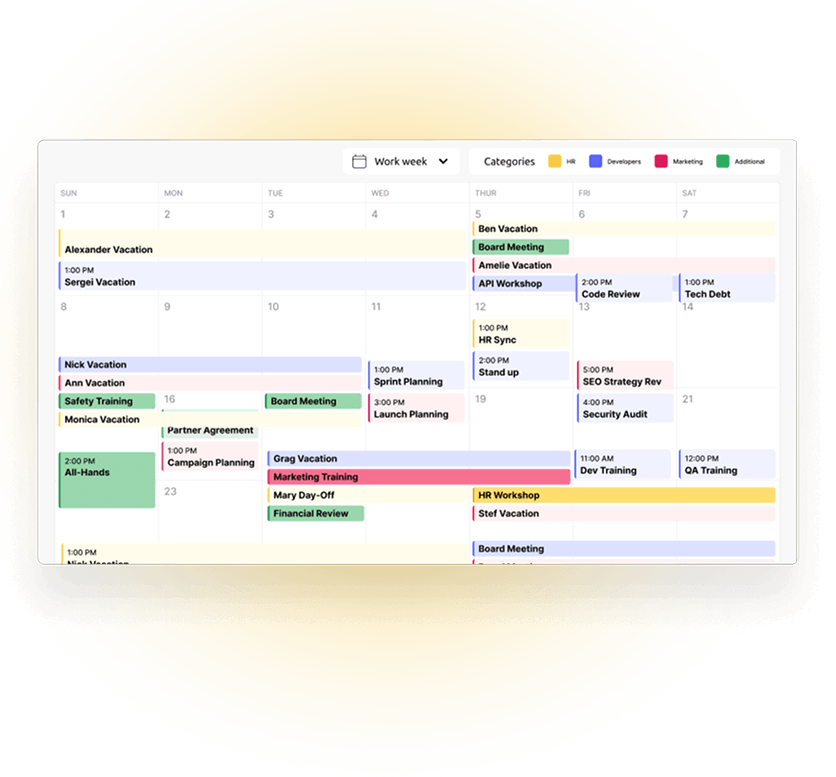
Core Use Cases
Team Scheduling
Plan meetings, projects, and tasks together in one shared calendar. Everyone can see what's coming next and stay on the same page.
Shared Visibility
Quickly check who's available and what's happening across your team — no need to switch apps or search through chats.
Easy Access and Ownership Control
Decide who can create, view or edit the calendar. Keep things organized and avoid double bookings with clear permissions.
Comparison: Virto Shared Calendar vs Native Teams Options
 Native Teams Shared Calendar
 Virto Shared Calendar
Virto Shared Calendar turns the basic Teams Calendar into a scalable scheduling solution.
Get the App for TeamsHow to Use the Teams Shared Calendar
Easy Setup
Install Virto Shared Calendar as a Microsoft Teams shared calendar app or access it via the web for flexible use.
Quick Event Management
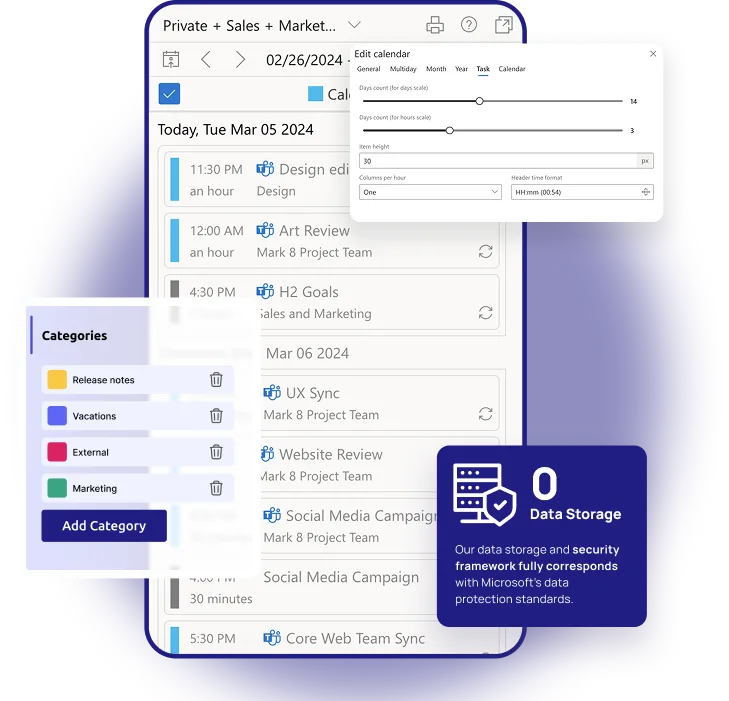
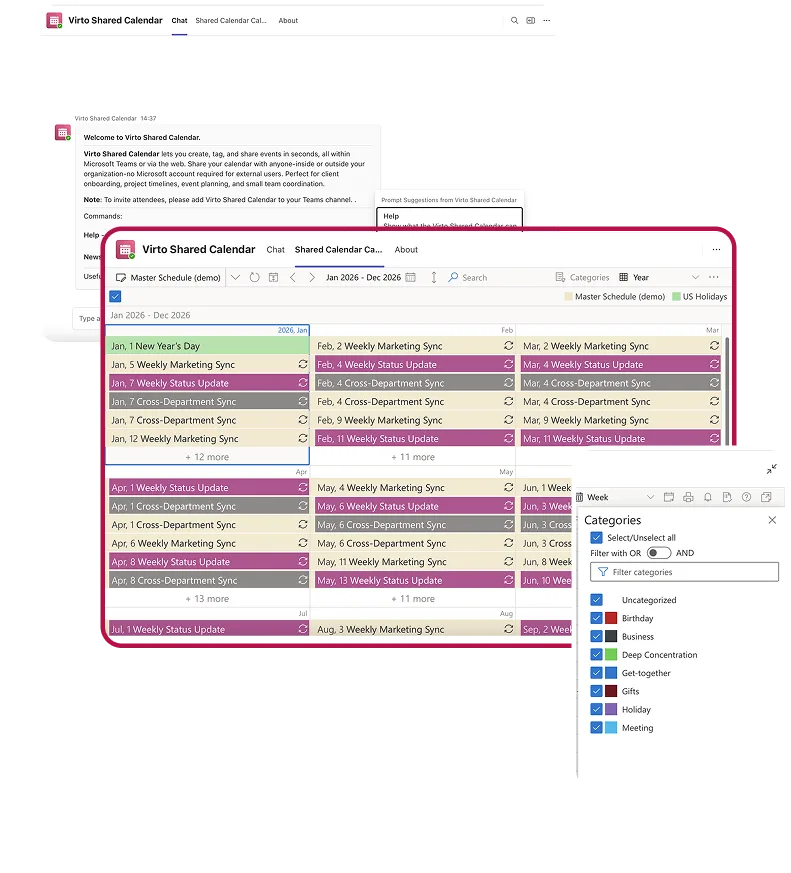
Create and tag events with colors instantly in your shared team calendar for clear organization.
Seamless Sharing
Grant access to your Teams shared calendar via anonymous links—no login required for viewers.
Resources & Guides
- Microsoft Teams Shared Calendar Guide Discover everything you need to know about creating, managing, and sharing calendars in Microsoft Teams.
- How to View Someone's Calendar in Teams Find out how to check your colleague's availability, view team members' calendars, and manage transparency across departments.
Why Virto Is the Best Shared Calendar in Microsoft Teams

No Overlays, No Clutter
Focus on what matters with this teams shared calendar app: event creation, tagging, and sharing—without complex overlays or clutter.

Universal Access
Use Virto as a Microsoft Teams shared calendar natively in app or as a standalone web app—accessible anywhere without license limits.

Zero-Login Collaboration
Easily share your calendar in Teams via link, allowing external users like clients and vendors to view it without logging in.
Use cases
Explore the versatility of Microsoft Teams Shared Calendar through these real-world scenarios:

Availability Calendar
Virto Calendar App draws every team member's calendar in one Outlook view — busy time, vacations and shared meetings, under the permissions each source already has.
Learn more about Availability Calendar
Customer Support Schedule
One shared rota for on-call shifts, PTO and night rotations, tagged by tier. Agents check it in Teams or on a phone, and part-timers or partners open it from a link, no Microsoft account needed.
Learn more about Customer Support Schedule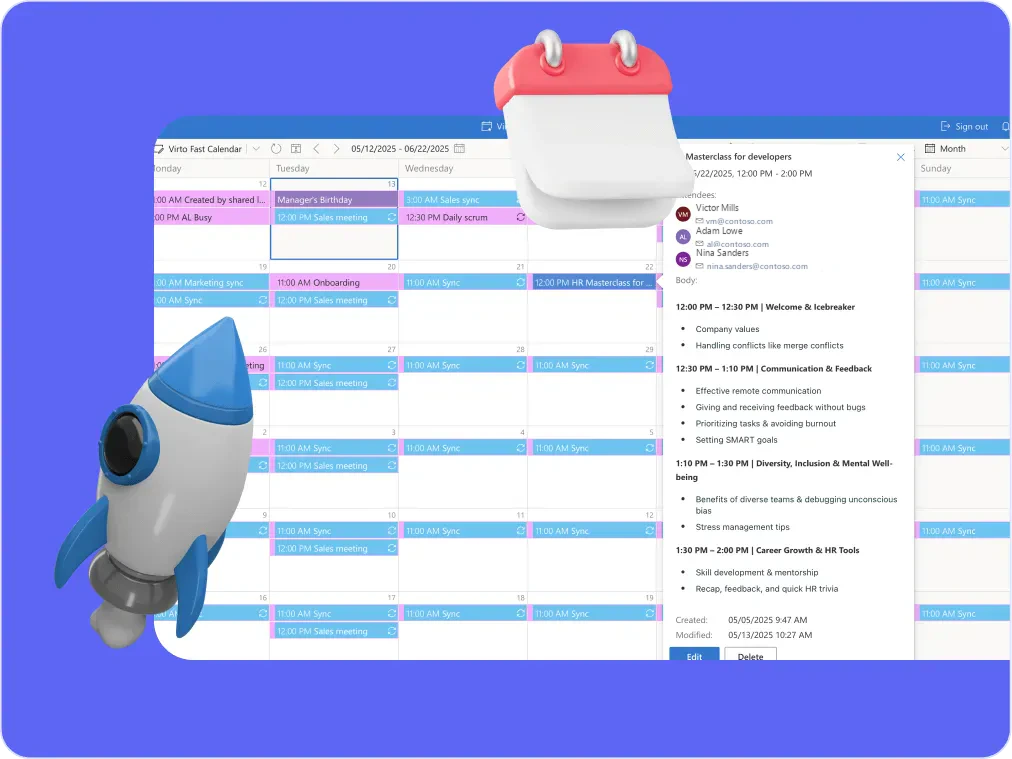
Sprint Calendar
Stay in sync and sprint with style: planning, stand-ups, reviews and retros in one shared sprint calendar, color-coded, in a browser or in Microsoft Teams, and shared by link with the whole team.
Learn more about Sprint CalendarSized to fit your business
Choose the perfect plan to match your business needs.
$19 user/year
for each creator & editor, unlimited entries
From 6 creators & editors, Unlimited costs less: 6 × $19 = $114 a year, Unlimited is $99.
Get Started ›Good to know
Add it in Teams
Anyone in your organization can add the app from the Teams app store. An admin is needed only if your IT restricts third-party apps.
Documentation →Your data
Shared calendars are stored on VirtoSoftware's Azure.
Trust & Security Center →Discounts and quotes
15% off for education, healthcare and charities; custom quotes for larger organisations.
Talk to sales →
The pricing outlined herein is valid only as to new purchases occurring on or after June 1, 2024. VirtoSoftware reserves the right to adjust its packaging and pricing at any time.
Talk to our team
Need clarity on our app's suitability for you? Set up a quick call with us or chat via Microsoft Teams chat to explore its potential for your needs.
Related products


Your Questions, Answered
The free version allows users to create and edit calendars with up to 15 entries per calendar. There are no time restrictions or trial limits. If you need more than 15 entries, a paid license is required for each user performing those actions.
Owners and editors are users who create new calendars or add/edit events. Viewers only need to see calendars in read-only mode and do not need a license.
Yes! Simply install the app and start adding events directly in Teams. You can color-code and tag events, assign permissions, and share the calendar instantly with your team.
It depends on where the dates come from. Choose Virto Shared Calendar when your team types the entries in itself and shares the calendar with people outside the company: the team's time off, an on-call schedule, project dates for a client. Choose Virto Calendar App when the dates already live in Outlook, SharePoint lists or Planner and should appear in one calendar by themselves, for example absences collected from everyone's Outlook calendar or vacation requests approved in a SharePoint list. Virto Shared Calendar stores its entries on Microsoft Azure, managed by VirtoSoftware; with Virto Calendar App the data stays in your Microsoft 365 tenant.
Yes. The Virto Shared Calendar documentation on docs.virtosoftware.com has a Templates section with four setups described step by step: a vacation and absence calendar, an on-call schedule, a project deadlines calendar and a company calendar. Each one lists the categories, the permission settings and the public holiday calendar to add.
Yes! Create a calendar, enable sharing in Calendar Settings > Sharing Tab, copy the link, add the app to Teams, and paste the shared calendar link.
Outlook calendars are business classics — but Virto boosts your Teams shared calendar experience by adding real-time sync, anonymous access, and visual tags, all within Teams.
Inside your organization, yes by default. A new calendar is visible to everyone in your Microsoft 365 organization who uses the app, and in the Default permission mode everyone can edit it. You can switch the calendar to Restricted to choose who edits it, or mark it private. People outside your organization see it only through a view-only or editable link that you share.
No. External users do not need Microsoft accounts. Using Virto's anonymous sharing feature, you can send them a link with view-only or editable access without logging in.
Built-in calendars don't allow anonymous sharing or real-time sync across web and Teams. Virto Shared Calendar solves that.
Yes, choose between view-only and edit access for each calendar link.
Yes! Virto's Microsoft Teams shared calendar is fully responsive and works seamlessly across desktop, tablet, and mobile devices.