


Agile Project Management
Harness agile workflows with Virto Kanban to prioritize backlogs, manage sprints with precision, and track progress through customizable dashboards.


Trusted by Industry Leaders


and over 8,000 businesses worldwide
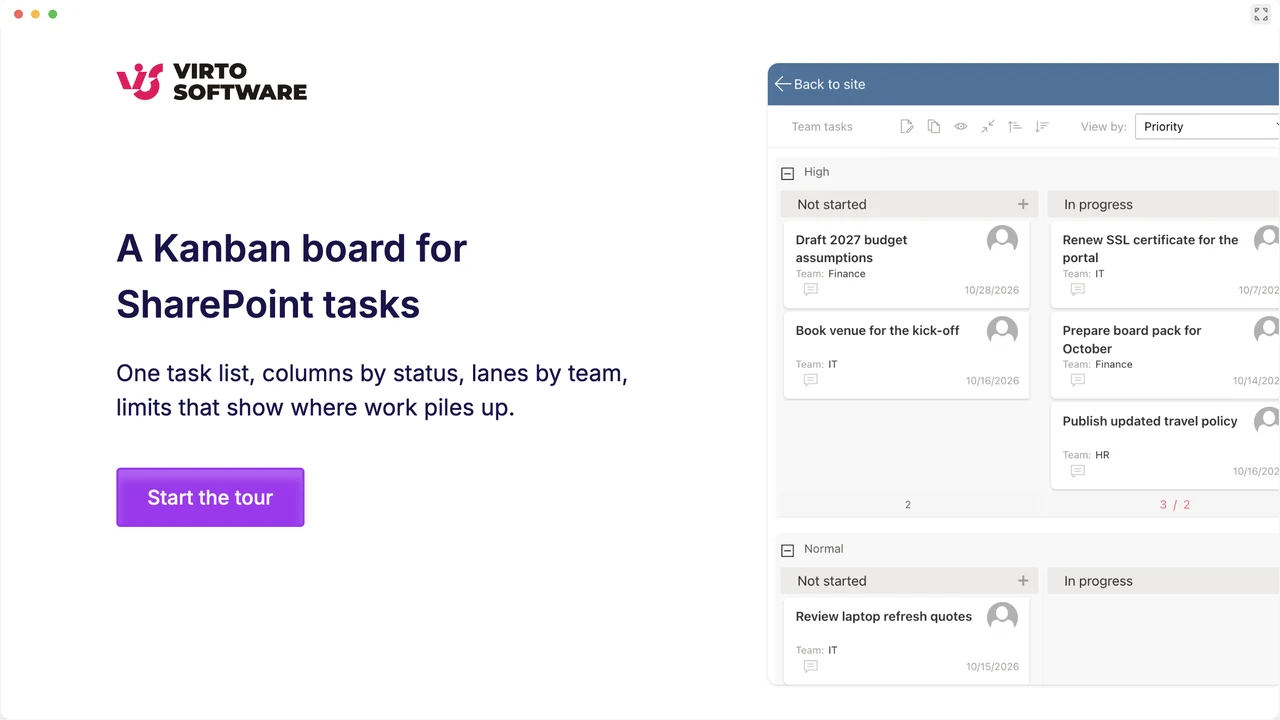
Launch Interactive Demo
Harness Your Agile Workflows
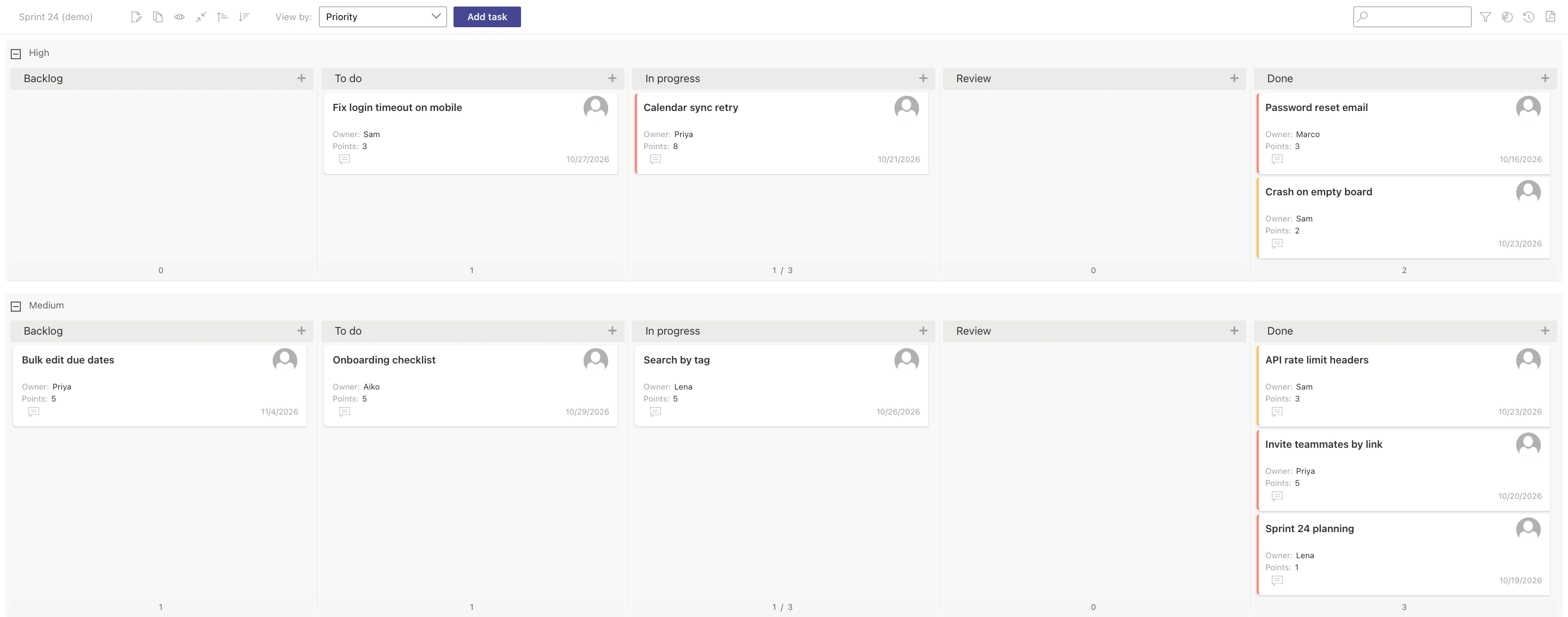
Leverage the power of Kanban to facilitate agile teamwork, manage backlogs, and drive sprint success. The screens show a software team's Sprint 24 on a demo board and calendar in our own tenant.
Prioritize and plan with ease
Backlog management
Our platform serves as a centralized hub for all incoming requests. Collaborate seamlessly, ensuring no task goes unnoticed.
Task prioritization
Use a drag-and-drop interface to rearrange tasks according to changing priorities and deadlines.
Stay on top of your sprints
Sprint management tools
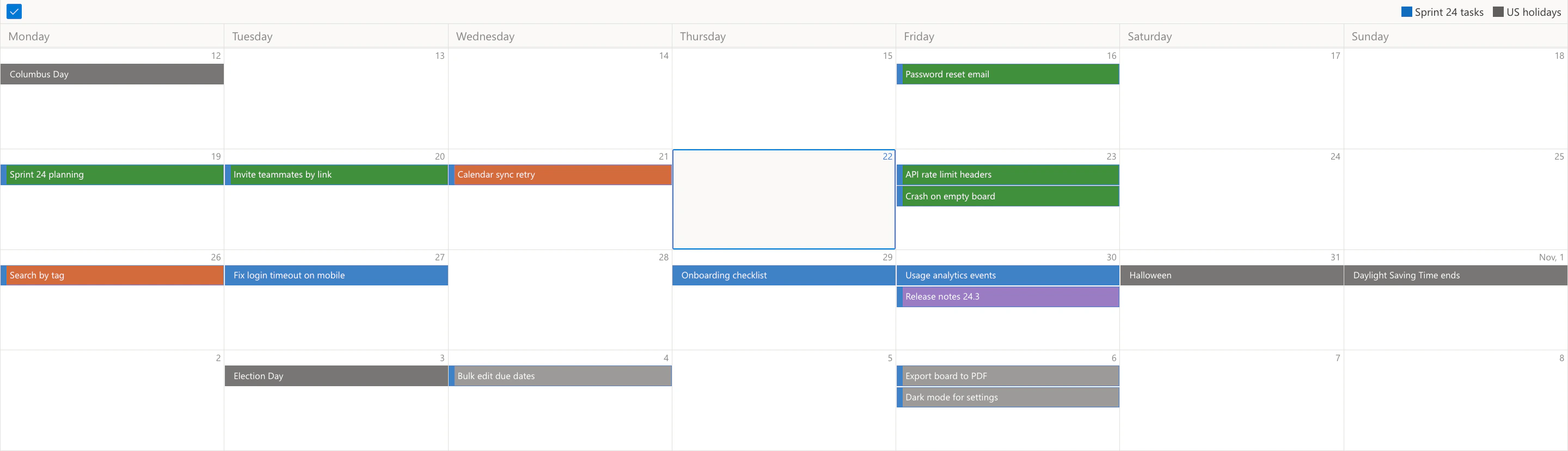
From planning to execution, manage each sprint with precision. See tasks on the Kanban board, or their due dates on a calendar with Virto Calendar App.
Real-time updates
All task details are updated in real-time, providing everyone with the latest information.
Track your progress with reports
Comprehensive reporting
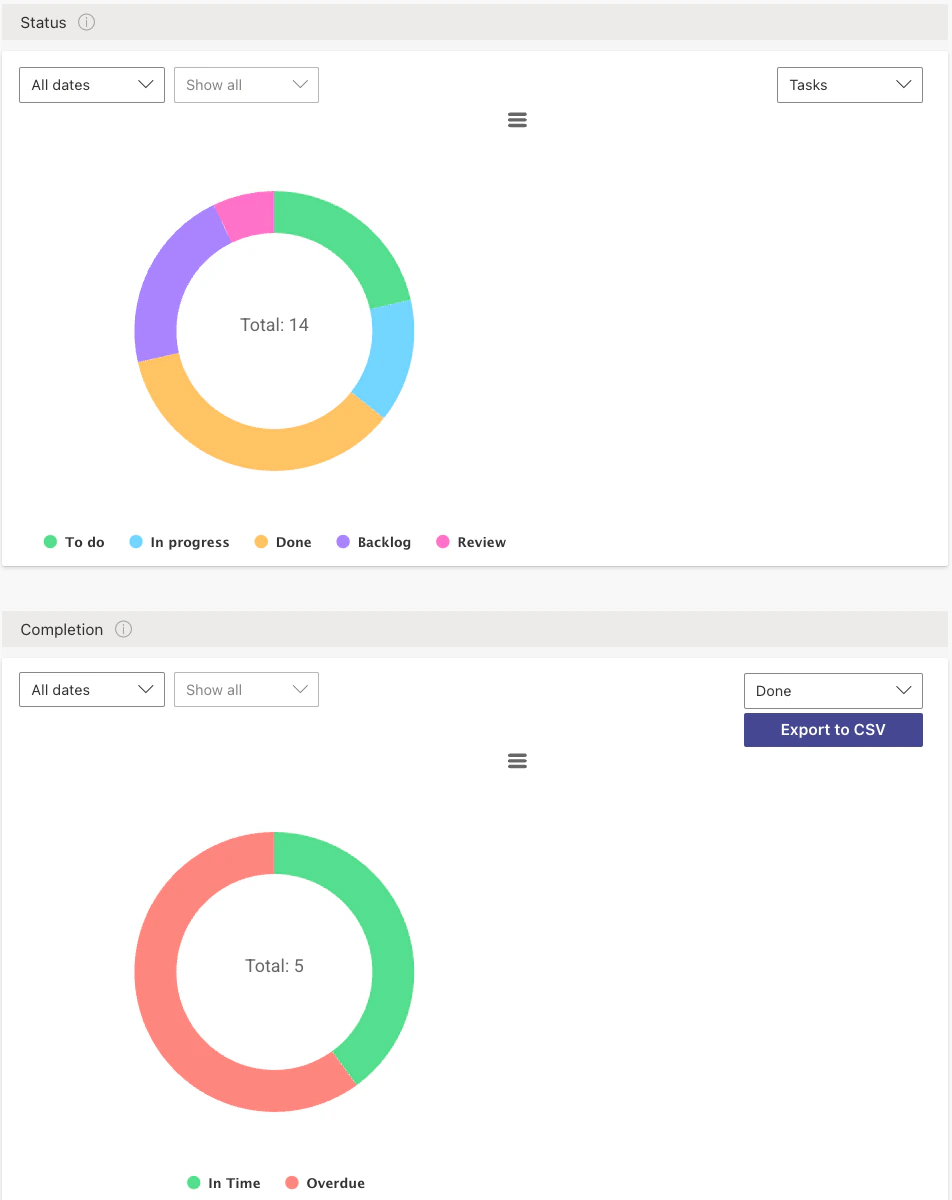
Follow sprint progress with the Status, Completion and Burndown charts, and see how work is spread across the team with the Assigned To chart.
Customizable dashboards
Choose which charts each board shows and who can see them, and export the Completion report to CSV for a sprint review.
The right tool for each part of agile work
User stories and tasks live in a SharePoint list.

Columns, swimlanes and labels turn the list into a sprint board, and tasks are reprioritised by drag and drop.
The Burndown chart shows the tasks remaining over the sprint, and Lead Time shows how long work takes from creation to done.

Sprint milestones, release dates from a SharePoint list and approved leave are overlaid in one calendar, so a sprint is not planned into a week half the team is away.
Virto Kanban Board App charts tasks, not story points, and has no velocity or estimation reports. Teams that plan by points keep them in an agile planning tool.
Virto Kanban Board App
Elevate your project dynamics with Virto


Related use cases
Discover our range of use cases to take your planning and coordination to another level
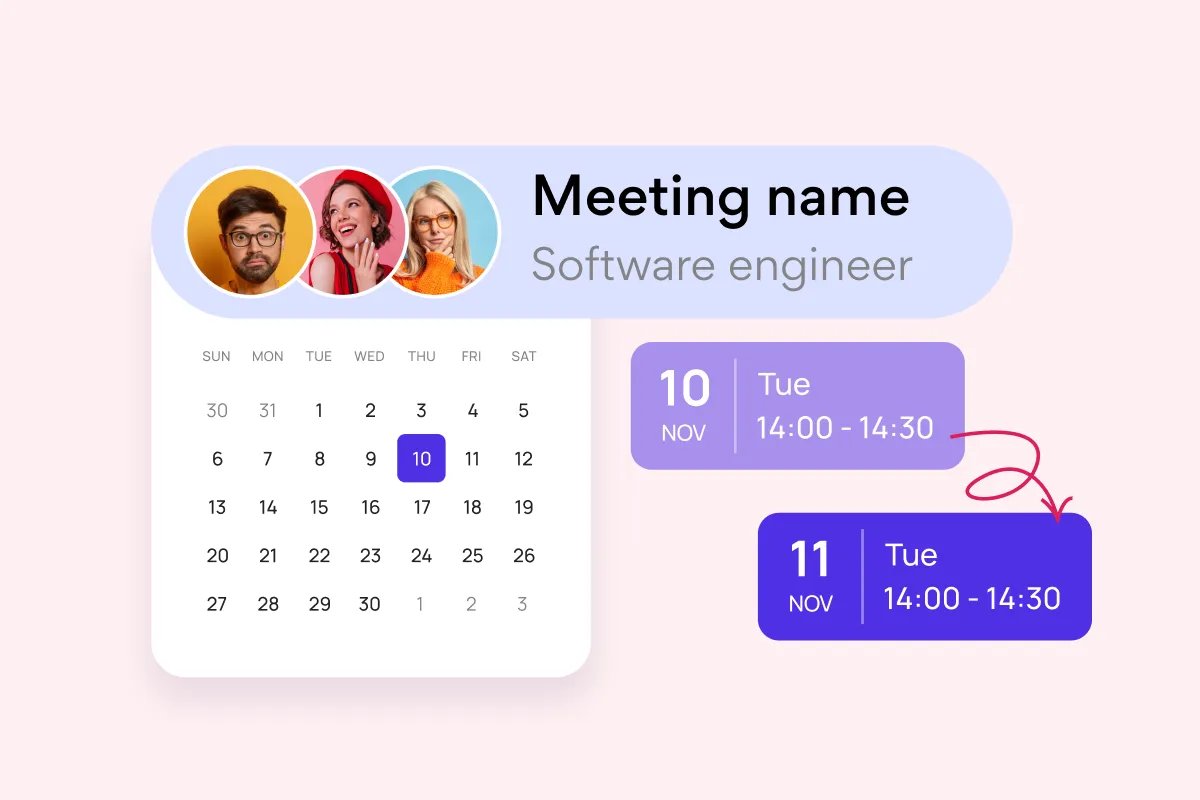
Team and Project Calendar
Maximize project visibility and coordination across teams with Virto Calendar, streamlining workflow and simplifying stakeholder communication.
Learn more about Team and Project Calendar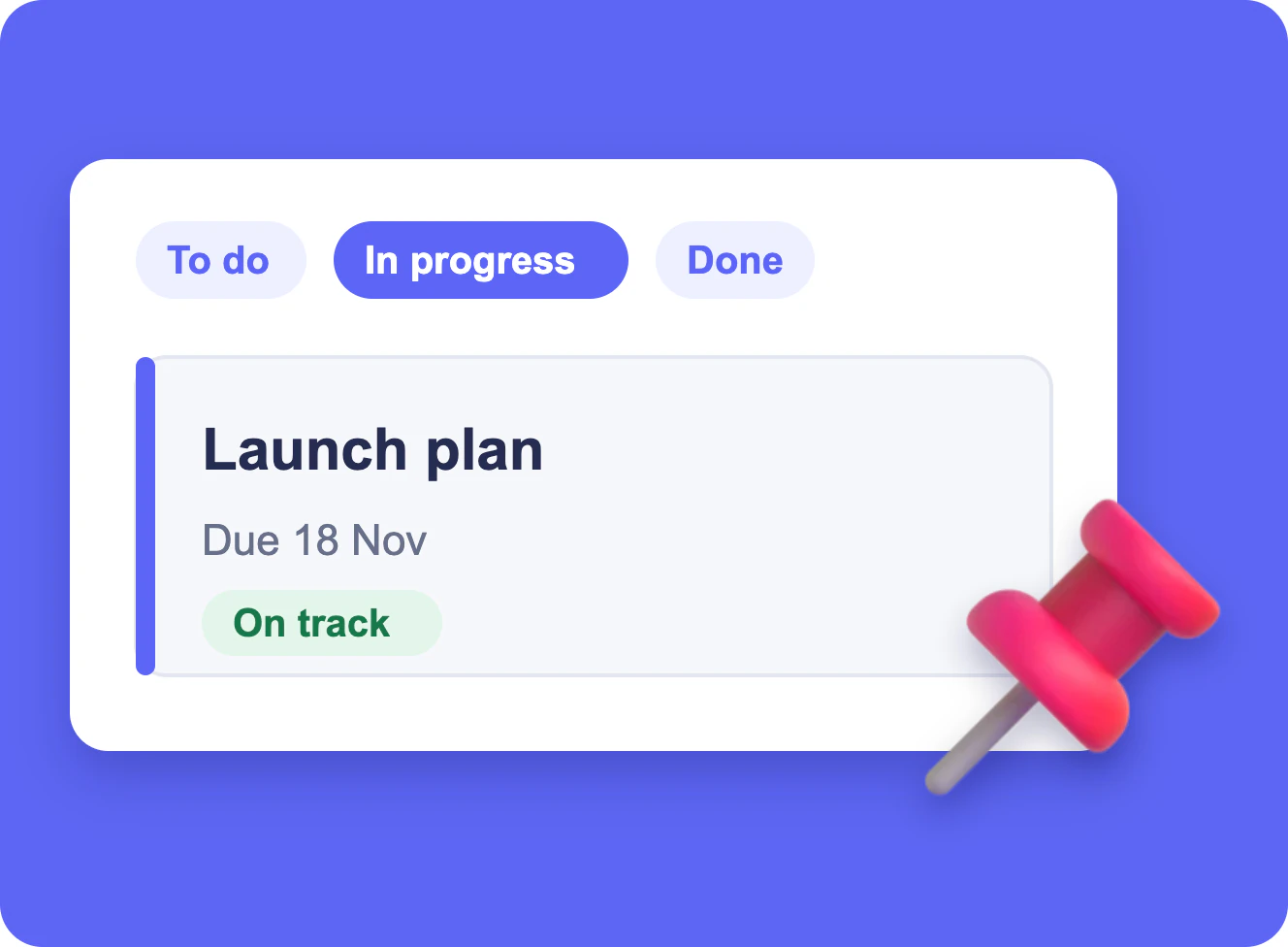
Project Management
Leverage Virto's advanced tools to masterfully manage projects—breaking down complexities, optimizing timelines, and empowering agile methodology.
Learn more about Project Management
Employee Vacation Tracker
Virto Calendar App shows approved leave next to the public holidays of every country your team works in — who is away, and which offices are closed.
Learn more about Employee Vacation Tracker