


Virto Notifications & Reminders Appfor Microsoft Teams
Instantly notify and schedule updates in Teams for effortless coordination and information sharing.
Key features:

Microsoft 365 Integration
Get notifications in Teams channels for any changes in Microsoft 365 or SharePoint, without leaving Teams.

Highly Customizable
Set up and customize alerts easily with a user-friendly interface and multi-platform compatibility.

Webhook Alert Connector Integration
Easily connect Teams with various services via Webhook for automatic updates in your channel.

Launch Interactive Demo
Trusted by Industry Leaders


and over 8,000 businesses worldwide
Deploy VirtoSoftware Apps in Your
Microsoft 365 Environment
Complete Control Over Your Infrastructure
VirtoSoftware apps can be deployed directly within your existing Azure subscription linked to Microsoft 365, giving your organization full control over the application environment and data storage. Your data stays entirely within your infrastructure, ensuring compliance and data security.
Install into your AzureHow it works
Webhook Alert Connector Integration
Easily connect Teams with various services via Webhook for automatic updates in your channel.
Simple Setup Interface
Configure alerts quickly through an intuitive setup process, without needing deep technical skills.
Condition-Based Custom Alerts
Customize alerts with specific conditions so that your team receives only relevant updates.

Sofortige Benachrichtigungen: Echtzeit-Benachrichtigungen für kritische Updates
Benachrichtigung bei kritischen Datenänderungen
Szenario: Ein Element einer SharePoint-Liste (z. B. ein Kundenvertrag) wird bearbeitet, wodurch eine E-Mail-Benachrichtigung an die Rechtsabteilung und ein Beitrag im Teams-Kanal mit einem Link zum geänderten Element ausgelöst werden.
Zweck: Gewährleistung der Nachvollziehbarkeit und der umgehenden Überprüfung kritischer Änderungen.
Benachrichtigung über neues Element
Szenario: Ein neuer Eintrag wird zu einer Projekt-Tracker-Liste hinzugefügt, woraufhin eine E-Mail an den Projektmanager gesendet und das Team über Teams benachrichtigt wird.
Zweck: Die Beteiligten über neue Aufgaben oder Aktualisierungen auf dem Laufenden halten.
Benachrichtigung zum Genehmigungs-Workflow
Szenario: Eine ausstehende Genehmigungsanfrage in einer SharePoint-Liste wird aktualisiert (z. B. Status geändert in „Abgelehnt“), wodurch eine E-Mail an den Antragsteller und eine Teams-Benachrichtigung an den Genehmiger ausgelöst werden.
Zweck: Beschleunigung der Entscheidungsfindung und Aufgabenbearbeitung.
Benachrichtigung bei Compliance-Verstoß
Szenario: Ein eingeschränkter Dateityp wird in eine SharePoint-Liste hochgeladen, was eine E-Mail an die IT-Abteilung und eine Teams-Nachricht an den Compliance-Beauftragten mit einem Aktionslink zum Löschen auslöst.
Zweck: Automatisierung der Richtliniendurchsetzung und Risikominderung.
Eskalationswarnung bei nicht bestätigten Änderungen
Szenario: Ein Listenelement mit hoher Priorität (z. B. ein Vorfallbericht) bleibt 24 Stunden lang unverändert, woraufhin Warnmeldungen per E-Mail und über Teams an leitende Mitarbeiter eskaliert werden.
Zweck: Verzögerungen bei der Lösung dringender Probleme verhindern.

Rechtzeitige Erinnerungen: Automatische Benachrichtigungen zu Terminen und Fristen
Frist-Erinnerung
Szenario: Das „Fälligkeitsdatum“ in einer SharePoint-Aufgabenliste rückt in zwei Tagen näher, was eine E-Mail und eine Teams-Erinnerung an den Bearbeiter mit einem Link zur Aufgabe auslöst.
Zweck: Sicherstellung der fristgerechten Erledigung von Aufgaben und der Einhaltung des Projektplans.
Erinnerung an Besprechung
Szenario: Ein in einer SharePoint-Liste gespeicherter Kalendertermin (z. B. „Quartalsbesprechung“) steht in einer Stunde an, woraufhin eine Erinnerungs-E-Mail und eine Teams-Benachrichtigung mit der Tagesordnung versendet werden.
Zweck: Nichterscheinen reduzieren und Meetings produktiv halten.
Erinnerung an Urlaubs- und Feiertagsvertretung
Szenario: Das „Abwesend“-Datum eines Mitarbeiters in einer SharePoint-HR-Liste steht in 3 Tagen bevor; daraufhin werden Erinnerungen per E-Mail und über Teams an den Mitarbeiter und dessen Stellvertreter gesendet.
Zweck: Reibungslose Übergaben und unterbrechungsfreie Arbeitsabläufe sicherstellen.
Erinnerung an Vertragsverlängerung
Szenario: Das „Vertragsablaufdatum“ in einer Lieferantenliste ist in 30 Tagen, woraufhin eine E-Mail an die Beschaffungsabteilung und eine Teams-Benachrichtigung an die Rechtsabteilung gesendet wird.
Zweck: Lücken in Lieferantenverträgen oder Dienstleistungen vermeiden.
Erinnerung an Schulungstermin
Szenario: Ein „Schulungstermin“ in einer SharePoint-Lernliste steht in 1 Tag bevor; die Teilnehmer werden per E-Mail und über Teams mit einem Link zu den Vorbereitungsunterlagen benachrichtigt.
Zweck: Maximierung der Vorbereitung und Teilnahme.

One license for all platforms
Get SharePoint, Microsoft Teams and Azure license at once without any additional purchase.


How to install?
Your 24/7 library from our technical support team. Video guides, FAQs, troubleshooting articles, and more.
Use cases
Explore the versatility of Virto Notifications & Reminders App through these real-world scenarios:
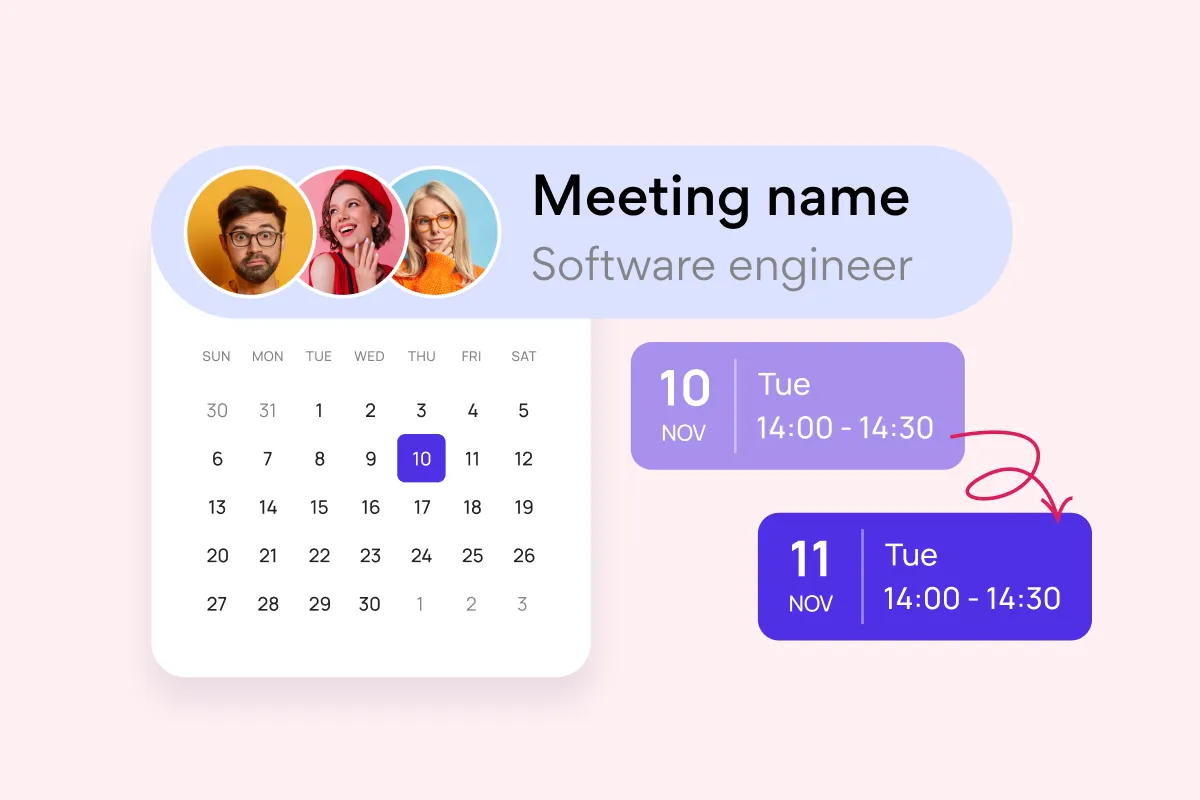
Team and Project Calendar
Maximize project visibility and coordination across teams with Virto Calendar, streamlining workflow and simplifying stakeholder communication.
Learn more about Team and Project Calendar
Project Management
Leverage Virto's advanced tools to masterfully manage projects—breaking down complexities, optimizing timelines, and empowering agile methodology.
Learn more about Project Management
Employee Vacation Tracker
Optimize vacation scheduling with Virto's comprehensive tools, providing a centralized platform for a high-level overview and strategic resource planning.
Learn more about Employee Vacation Tracker
Agile Project Management
Harness agile workflows with Virto Kanban to prioritize backlogs, manage sprints with precision, and track progress through customizable dashboards.
Learn more about Agile Project Management
Event Calendar
Effortlessly plan and execute corporate meetings and events with our feature-rich calendar. Ensure real-time visibility for both internal and external users.
Learn more about Event Calendar
Resource Booking System
Master resource booking with Virto Calendar, ensuring optimal usage and real-time visibility for efficient, conflict-free scheduling across your organization.
Learn more about Resource Booking System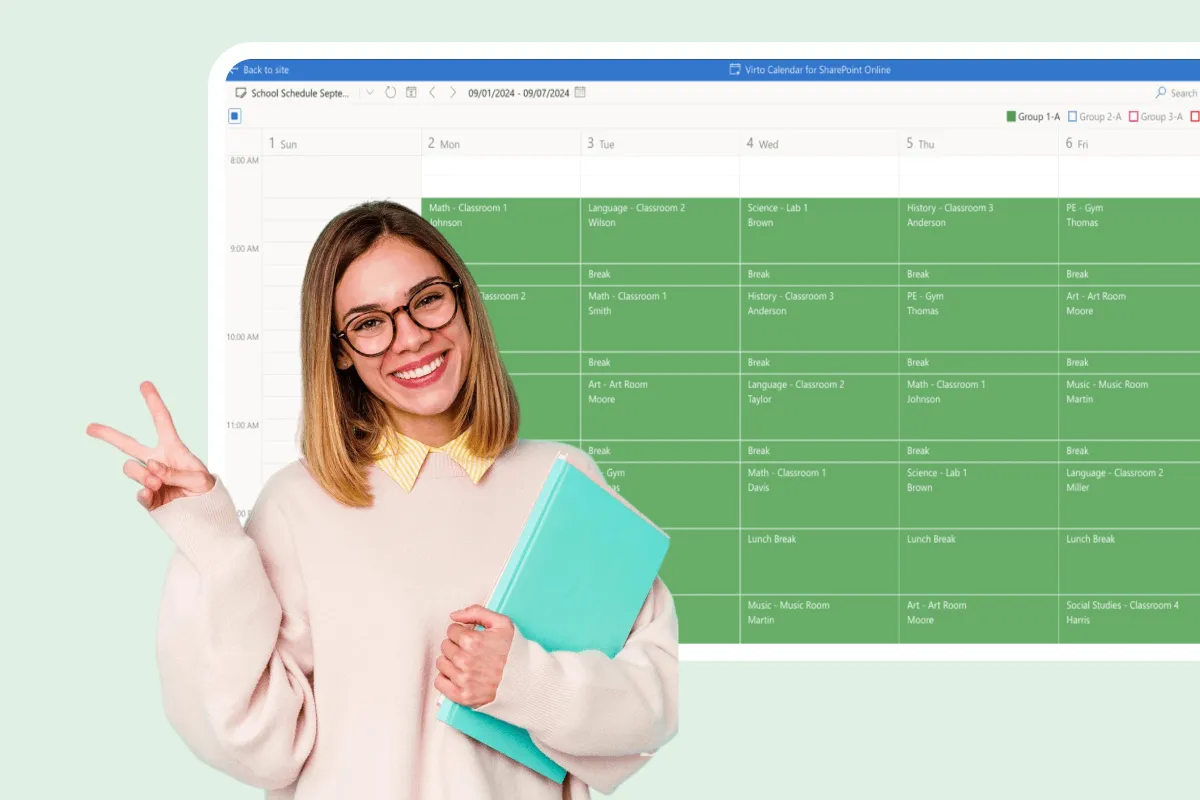
Assignment Calendar
Get a clear view of your academic workload with Virto Calendar. Track assignment deadlines, plan study sessions, and balance coursework across subjects.
Learn more about Assignment Calendar
Assignment Tracker
Master coursework management with VirtoSoftware's assignment trackers. Organize due dates, set reminders, and prioritize tasks to boost academic performance.
Learn more about Assignment TrackerStart your 14-day trial. Or subscribe now

Connect people, places, and platforms

Microsoft Teams
Send alerts directly into Teams channels to keep your team informed and responsive within their collaborative workspace.

Microsoft SharePoint
Automatically set alerts for updates on changes in SharePoint lists, ensuring you're always informed.

Microsoft Outlook
Schedule customized email alerts, from immediate notifications to weekly summaries.

iCalendar
Set alerts on internet calendars added to the Virto Calendar app to stay informed of updates beyond the M365 environment.
Talk to our team
Need clarity on our app's suitability for you? Set up a quick call with us or chat via Microsoft Teams chat to explore its potential for your needs.
Sized to fit your business
Billed yearly
Basic
Request- Up to 30 alerts
- Free support
- Enterprise-grade security
- Help & learning content
- Web ticketing support
- Up to 72 hours response time
Pro
Request- Up to 100 alerts
- Free support
- Enterprise-grade security
- Help & learning content
- Web ticketing support
- Up to 48 hours of response time
Enterprise

For large organizations needing advanced features and enterprise-grade security and controls.
- Unlimited alerts
- All Pro plan features
- Top-notch security
- Unlimited priority support
- Live setup training
- Customer success manager
- Consulting sessions

Purchase Info & Discounts
After you press the "add to cart" button, you will be forwarded to a secure zone of our processing partner Avangate, where you can select quantity, select additional services, and finish checkout.

Educational & Non-profit Discounts
We are glad to offer a set of special 15% discounts for schools, colleges, universities, hospitals and charity organizations. Please contact our sales department for more information.

License Notes & Renewal
Upon purchase, your license comes with a free 1-year update period. Once this initial period expires, an extension for a further year needs to be purchased to maintain access to the latest product updates.
The pricing outlined herein is valid only as to new purchases occurring on or after June 1, 2024. VirtoSoftware reserves the right to adjust its packaging and pricing at any time.
Related products


Try Virto Notifications & Reminders App Free
Download and extract the zip file to a folder on your SharePoint server.
Run Setup.exe under SharePoint administrator account and follow the simple wizard.
Download the Latest Version
Choose your SharePoint product version:
Need any help? — email us at support@virtosoftware.com